
Tools for business bank accounts UK help business owners manage money, pay bills, receive customer payments, and keep clear records. These tools may be built into a business account or connected through approved software. Good tools save time, reduce mistakes, and make business money easier to understand.
A business bank account keeps business income and spending separate from personal money. This is especially important for a limited company because the company is a separate legal entity. Its banking must therefore remain separate from the personal banking of its owners and directors.
Online and Mobile Banking Tools
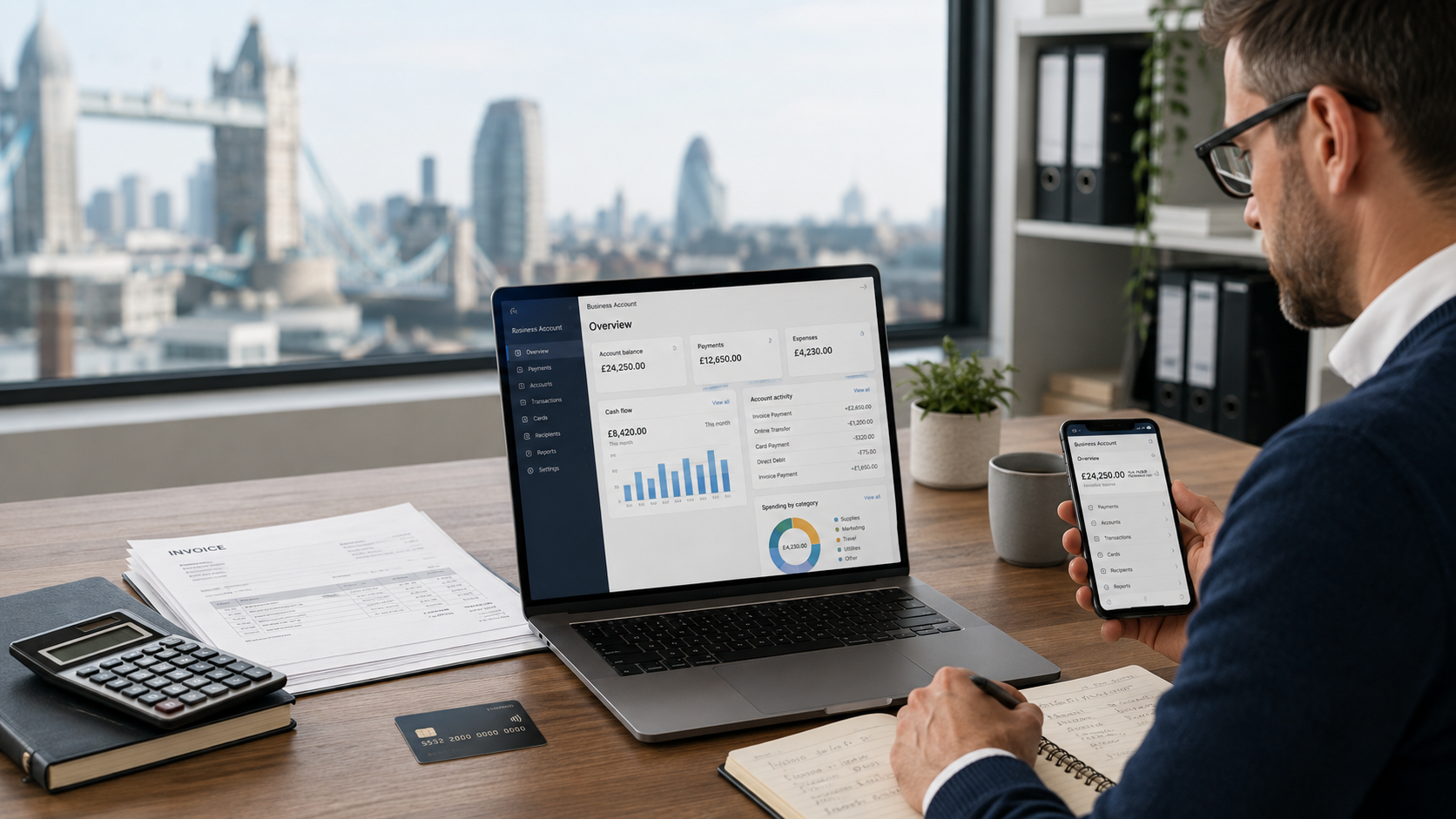
Online and mobile banking tools let business owners check balances, view transactions, transfer money, pay suppliers, and download statements without visiting a bank branch.
A useful banking app should have clear menus and simple payment checks. The user should be able to confirm the name, account number, sort code, and payment amount before sending money.
Some apps also allow users to freeze a card, change card limits, or report a missing card. These controls can help protect the account when a card is lost or stolen.
Account alerts are helpful too. A business may receive a message when money arrives, a large payment leaves, or the balance becomes low. These alerts can help the owner notice mistakes or unusual activity quickly.
Payment and Invoice Tools
Payment tools help businesses send and receive money. They may include bank transfers, standing orders, Direct Debits, payment links, and card payment services.
Invoice tools help a business create bills for its customers. A clear invoice should show what was sold, the amount due, the payment deadline, and the details needed to make the payment.
Some tools can match incoming payments with the correct invoices. This saves the business owner from checking every payment by hand. It also makes unpaid or late invoices easier to find.
Payment scheduling is another useful feature. It allows a business to prepare supplier payments in advance and choose the date on which the money should leave the account.
Accounting and Bookkeeping Connections
Many tools for business bank accounts UK connect with bookkeeping or accounting software. Bank transactions can move into the software automatically.
The business owner can then match payments to invoices, place expenses into the correct groups, and prepare clearer financial records. This reduces repeated data entry and lowers the risk of entering the wrong amount.
Open banking can support these connections. It allows businesses to use regulated services to manage their money through secure systems. The account holder must give permission before account information is shared. That permission can later be reviewed or cancelled.
A business should check that any connected service is regulated. Access should be removed when the software or service is no longer being used.
Expense Management Tools
Expense management tools show where business money is being spent. Payments may be placed into groups such as travel, stock, rent, software, equipment, or advertising.
Some business accounts offer additional cards for workers. The account owner may be able to set a spending limit for each card and see what each worker has purchased.
This can be safer than allowing several people to share one card. It also gives the owner more control over company spending.
Receipt tools are useful for record keeping. A worker may be able to photograph a receipt and attach it to the matching transaction. This keeps proof of purchase close to the payment record and makes bookkeeping easier.
Cash-Flow Tools
Cash flow is the money entering and leaving a business. A business may make many sales but still face problems if its bills must be paid before customer payments arrive.
Cash-flow tools show expected income, planned bills, and the possible future account balance. Open banking tools can also help small businesses view real-time cash flow and make better financial decisions.
A cash-flow forecast is only an estimate. Business owners should still check real invoices, wages, tax payments, rent, and supplier bills.
However, an early warning about a possible low balance gives the owner time to delay unnecessary spending, contact customers about late payments, or move money into the account.
User Access and Approval Tools
A growing business may need several people to use its bank account. User access tools let the account owner choose what each person is allowed to do.
For example, a bookkeeper may be allowed to view transactions and download statements but may not be allowed to send money.
A manager may be allowed to prepare a payment, while the business owner must approve it before the money can leave. This process is often called dual approval.
Every user should have a separate login. Passwords should never be shared. When a worker leaves the business, their account access should be removed immediately.
Security and Money Protection
Security is an important part of tools for business bank accounts UK. Useful protections include two-step login checks, payment confirmation, card controls, login alerts, and fraud warnings.
Before opening an account, a business should check whether the provider is a UK-authorised bank or another kind of regulated financial company. The Financial Services Register shows whether a firm is authorised and what financial services it has permission to provide.
Eligible deposits held with a UK-authorised bank, building society, or credit union may be protected by the Financial Services Compensation Scheme.
Since 1 December 2025, the standard deposit protection limit has been £120,000 per eligible person or protected entity, per authorised firm. Protection can work differently for sole traders and legally separate companies, so each business should check its own position.
How to Choose the Right Tools
Start by looking at the tasks the business completes every week.
An online shop may need payment alerts, invoice matching, and accounting connections. A company with workers may need additional cards, spending limits, and payment approval controls.
A business that regularly receives cash or cheques should check how deposits work. Some digital accounts may not support every type of deposit.
Compare the full cost of the account instead of looking only at the monthly fee. Check charges for bank transfers, cash deposits, overseas card use, international payments, additional users, and optional software tools.
Customer support is also important. Useful banking tools become less helpful when support is difficult to contact during an urgent account problem.
Frequently Asked Questions
1. What are tools for business bank accounts UK?
They are features that help a business manage payments, spending, financial records, cards, security, and cash flow.
2. Does a sole trader need a business bank account?
A sole trader is not a separate legal entity in the same way as a limited company. However, using a separate account makes business income, expenses, and tax records easier to track. The account provider must also allow the account to be used for business.
3. Can accounting software connect to a business bank account?
Yes. Many business accounts support secure bank feeds or open banking connections. The business should check the provider’s regulation, permissions, costs, and process for cancelling access.
4. Are all business account balances protected by FSCS?
No. Protection depends on the provider, the business’s eligibility, its legal structure, and the provider’s banking licence. Some payment or electronic-money providers safeguard customer money under different rules instead of offering FSCS deposit protection.
5. Which business banking tool is most important?
Security and payment controls are essential. Other useful tools depend on whether the business needs invoicing, bookkeeping, employee cards, cash-flow forecasts, or international payments.
Conclusion
Tools for business bank accounts UK can turn a basic account into a simple and useful money-management system.
Mobile and online banking provide fast access to balances and payments. Invoice tools help businesses request and collect money from customers. Accounting connections reduce repeated work and make records easier to prepare.
Expense tools explain where money is being spent, while receipt features keep proof of each purchase organised. Cash-flow tools help owners prepare for future bills and identify possible money problems early.
User permissions allow several people to complete banking tasks without sharing one password. Security controls help protect cards, payments, account details, and business funds.
The right tools should match the way the business receives and spends money. Before choosing an account, owners should compare costs, security, customer support, regulation, deposit protection, and the features they will use regularly.
Choosing only useful tools keeps the account simple. It also helps the business maintain accurate records, control spending, manage payments, and make better decisions about its money.