
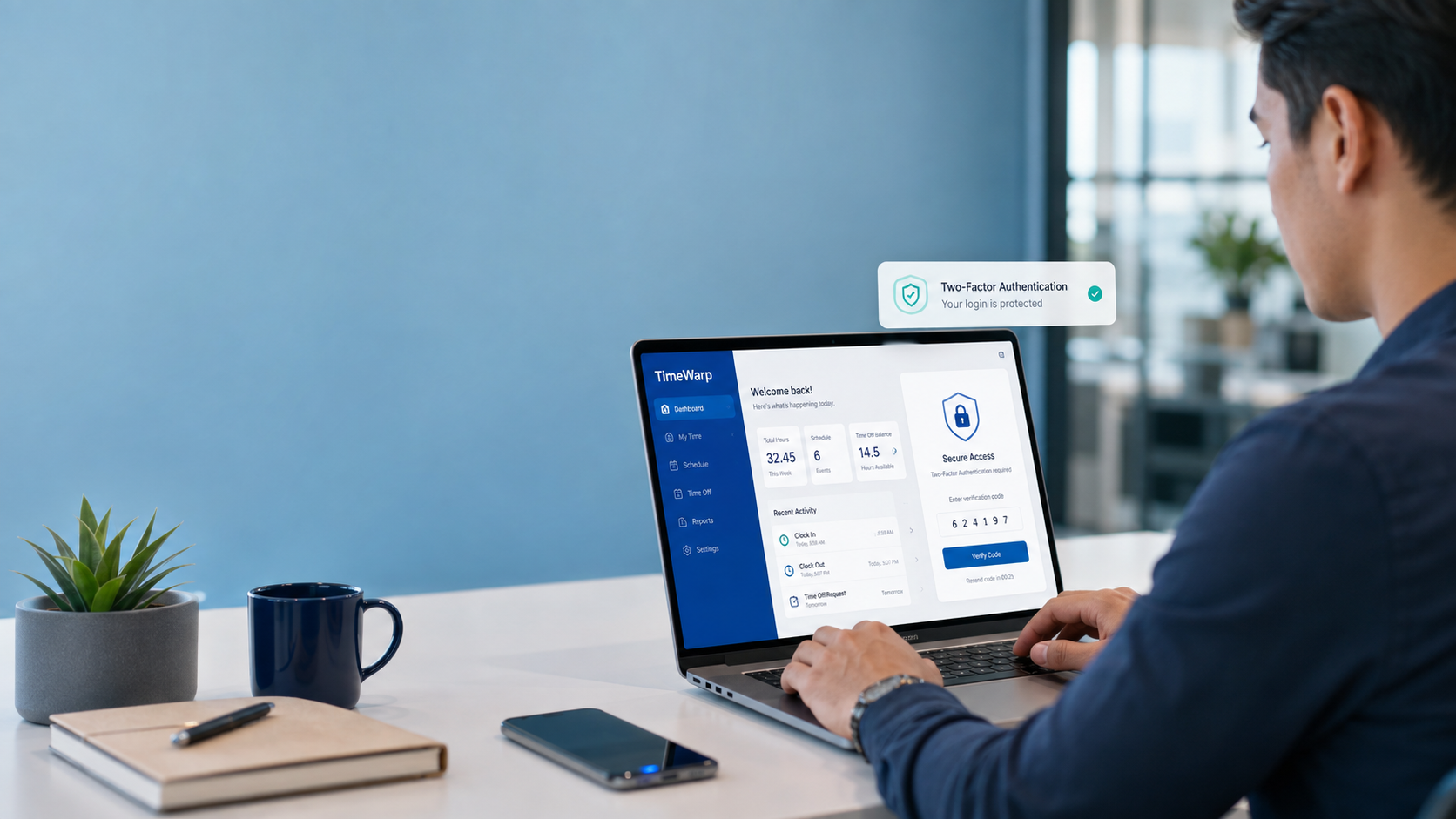

If you searched for TimeWarp TaskUs, you are most likely trying to reach a TaskUs sign-in page or understand what the Time Warp portal is. The clearest public evidence is a TaskUs-hosted page titled Time Warp. Its public screen offers a PingID sign-in option, tells users to file Time Warp concerns through SNOW, and says JavaScript must be enabled. That makes TimeWarp best understood as an authenticated TaskUs web portal rather than a consumer app or a publicly marketed software product. The public login page does not explain the tools available after authentication, so descriptions of unlisted features should be treated cautiously.
What Is TimeWarp TaskUs?
TimeWarp TaskUs is the name associated with an authenticated web application hosted on the TaskUs domain. The public-facing page is sparse: it identifies itself as “Time Warp,” provides a PingID sign-in route, and points users toward an internal support process for Time Warp concerns.
TaskUs itself is a global digital-services company. Its current website lists services covering customer experience, trust and safety, AI and data operations, financial crime and compliance, learning, sales, autonomous vehicles, and robotics. Time Warp appears within that broader company environment as an access-controlled tool, but TaskUs does not provide a detailed public Time Warp feature page on the login screen.
Quick Facts
| Item | Publicly established information |
|---|---|
| Name | Time Warp |
| Organization | TaskUs |
| Type | Authenticated TaskUs-hosted web portal |
| Sign-in method shown | PingID |
| Support route shown | SNOW ticket for Time Warp concerns |
| Browser requirement shown | JavaScript must be enabled |
| Open registration | Not presented on the public login page |
| Primary search intent | Login, navigation, and access support |
The classification above is based on what the TaskUs-hosted login screen actually presents rather than on descriptions published by unrelated websites.
What the Official Time Warp Page Actually Confirms
The public Time Warp screen gives only a handful of concrete details, but they are enough to establish the basics:
- Time Warp has a page hosted under the TaskUs domain.
- The page provides a PingID sign-in option.
- Time Warp concerns are directed to SNOW.
- Security-related concerns have a separate support route.
- JavaScript must be enabled for the application to run.
“Sign in with PingID.” — TaskUs Time Warp login page.
The narrow wording matters. The public screen confirms an authenticated TaskUs application, but it does not publicly identify Time Warp as an AI platform, project-management suite, customer-support automation product, or commercial workforce software.
How to Access TimeWarp TaskUs Safely
Anyone who already has authorized TaskUs access should use the TaskUs-hosted Time Warp sign-in page supplied through legitimate company channels, such as an existing workplace bookmark, internal documentation, or IT instructions.
Avoid entering company credentials into look-alike pages simply because they use phrases such as TimeWarp TaskUs login in their titles. The genuine public Time Warp screen is hosted within TaskUs’ own web domain and presents PingID as its sign-in method.
After reaching the correct page, use the PingID option displayed there and complete the authentication process associated with your approved account. Trying to bypass or work around company authentication is neither necessary nor appropriate.
If the Time Warp application itself is producing an error, TaskUs’ public login screen specifically instructs users with Time Warp concerns to file a ticket through SNOW.
If the Time Warp Page Does Not Load
The login page explicitly states that JavaScript must be enabled to continue using the application.
If the portal will not open properly, practical troubleshooting steps include:
- Make sure you are on the legitimate TaskUs-hosted page.
- Confirm that JavaScript is enabled.
- Reload the page or restart the browser.
- Use the browser approved by your workplace.
- Check whether your PingID authentication is functioning.
- Follow any company VPN or network requirements that apply to your account.
- File a SNOW ticket if the problem is specific to Time Warp.
These steps address ordinary access problems. An account that is locked, disabled, or not provisioned for the application will generally require help through the appropriate workplace support process.
What You Should Not Assume About TimeWarp
Detailed descriptions of TimeWarp TaskUs sometimes go far beyond what appears on the official login page. For an accurate article, those descriptions should not be converted into facts without TaskUs documentation supporting them.
| Claim or description | What the public TaskUs page establishes |
| AI-powered productivity platform | Not stated on the Time Warp login screen |
| Public software businesses can purchase | No pricing or sales information is presented there |
| Attendance and scheduling suite | Specific functions are not described publicly |
| Real-time performance analytics platform | Not described on the public login page |
| Downloadable desktop or mobile application | The accessible evidence is a web login |
| Open service anyone can join | The page presents authenticated PingID access |
This distinction does not establish that every outside description is necessarily false. It means such features should not be presented as confirmed capabilities when the official public page does not document them.
How TimeWarp Fits Into the TaskUs Environment
TaskUs describes its wider business as combining specialized teams with technology to provide digital services across areas including customer experience, trust and safety, AI operations, compliance, learning, sales, and emerging technology operations.
The company also has a significant operational footprint in the Philippines. Its current locations page lists Philippine sites in areas including Batangas, Bohol, Bulacan, Cavite, La Union, Las Piñas, Ortigas, Pampanga, Quezon City, and Rizal.
That company context is useful because people encountering the TimeWarp TaskUs name may already be interacting with TaskUs workplace systems. It should not, however, be interpreted as evidence that Time Warp is a public product for TaskUs customers. The visible Time Warp page is centered on authentication and support rather than pricing, demonstrations, or sales information.
Staying Safe When Searching for the TimeWarp TaskUs Login
Branded employee portals are a poor place to take chances with credentials. A page ranking for the right keyword is not automatically the correct place to sign in.
Before entering account information, check that the page belongs to TaskUs and that the authentication flow matches the one provided by your organization. The public Time Warp page itself displays PingID as the sign-in route.
Be especially cautious with pages asking you to:
- Enter TaskUs credentials directly into an unfamiliar website.
- Download an unofficial “TimeWarp” program.
- Disable security software.
- Share authentication codes with another person.
- Pay for access to the portal.
When an access problem cannot be solved through normal browser or authentication checks, using the company support route is safer than relying on unofficial fixes.
TimeWarp TaskUs FAQs
Is TimeWarp TaskUs an official TaskUs website?
A Time Warp page is hosted under the TaskUs domain and displays a PingID authentication option. That provides direct evidence of its connection with TaskUs.
How do I log in to TimeWarp TaskUs?
Go to the genuine TaskUs-hosted Time Warp page and use the PingID sign-in option displayed there. Access still depends on having an account authorized for the service.
What should I do if TimeWarp TaskUs is not working?
First check that JavaScript is enabled and that you have reached the correct TaskUs page. If the problem continues, the Time Warp login screen tells users to file Time Warp concerns through SNOW.
Can anyone create a TimeWarp TaskUs account?
The public Time Warp screen does not present an open registration process. Instead, it presents PingID authentication, so it should be treated as controlled access rather than a public sign-up service.
Is TimeWarp TaskUs an AI productivity tool?
TaskUs discusses AI and intelligent automation as part of its broader business, but its public Time Warp login page does not identify Time Warp itself as an AI productivity platform. That specific label should therefore not be presented as an established feature of Time Warp.
Is there a TimeWarp TaskUs app to download?
The publicly accessible Time Warp evidence reviewed here points to a browser-based TaskUs login page. The visible login screen does not advertise a downloadable Time Warp desktop or mobile application.
Conclusion
TimeWarp TaskUs is best understood from public evidence as a protected TaskUs web portal using PingID authentication, with Time Warp concerns directed through SNOW.
For most readers, the useful answer is straightforward: use the genuine TaskUs-hosted login page, follow the authentication process assigned to your account, and use the official support route when access fails. Specific claims about Time Warp’s internal features should remain separate from fact unless TaskUs publishes documentation confirming them.
Read also: @socialbizmagazine.com: What SocialBizMagazine Is and What Readers Can Find There